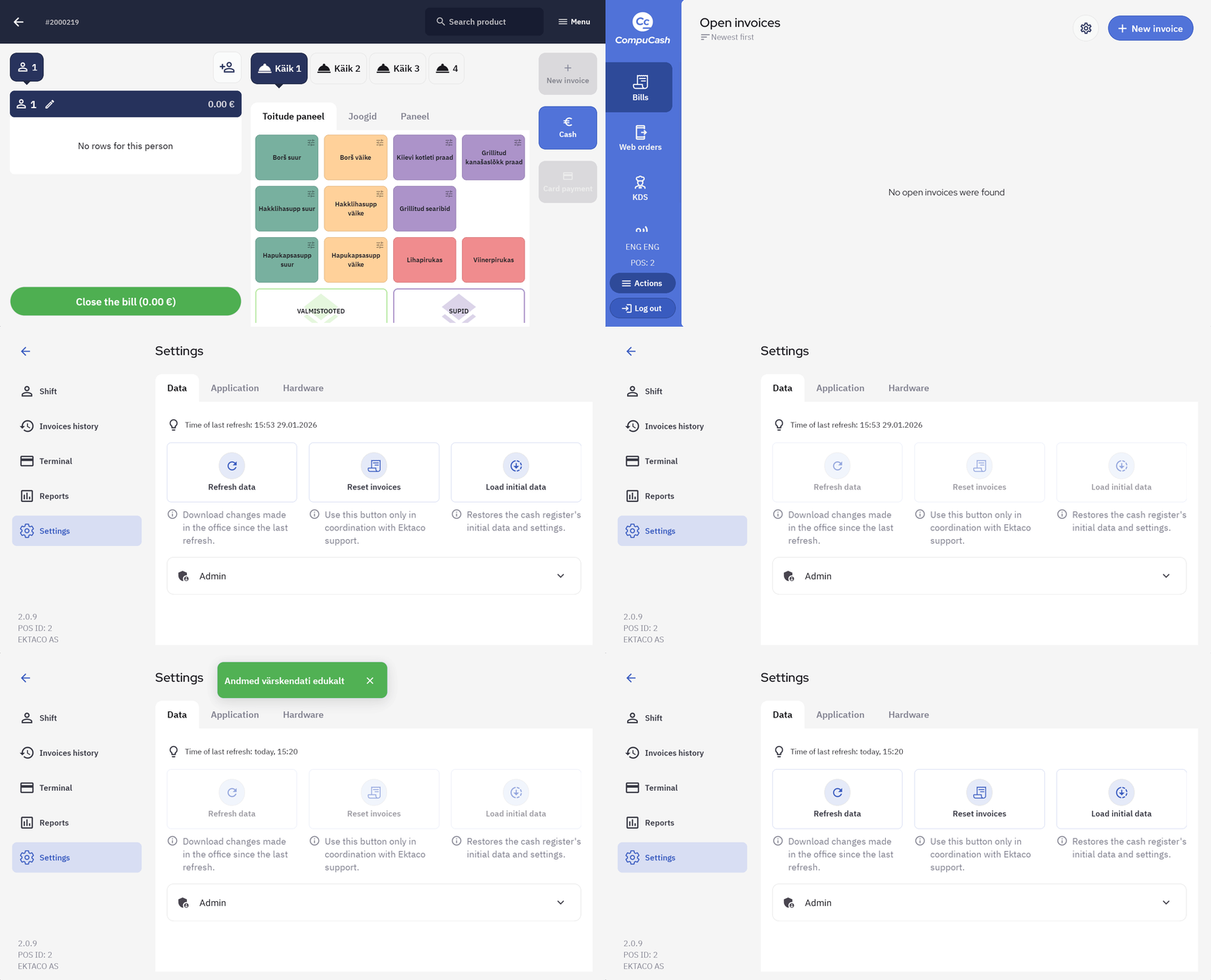
General POS related actions
Actions
Actions panel is visible once the user has logged into the POS.
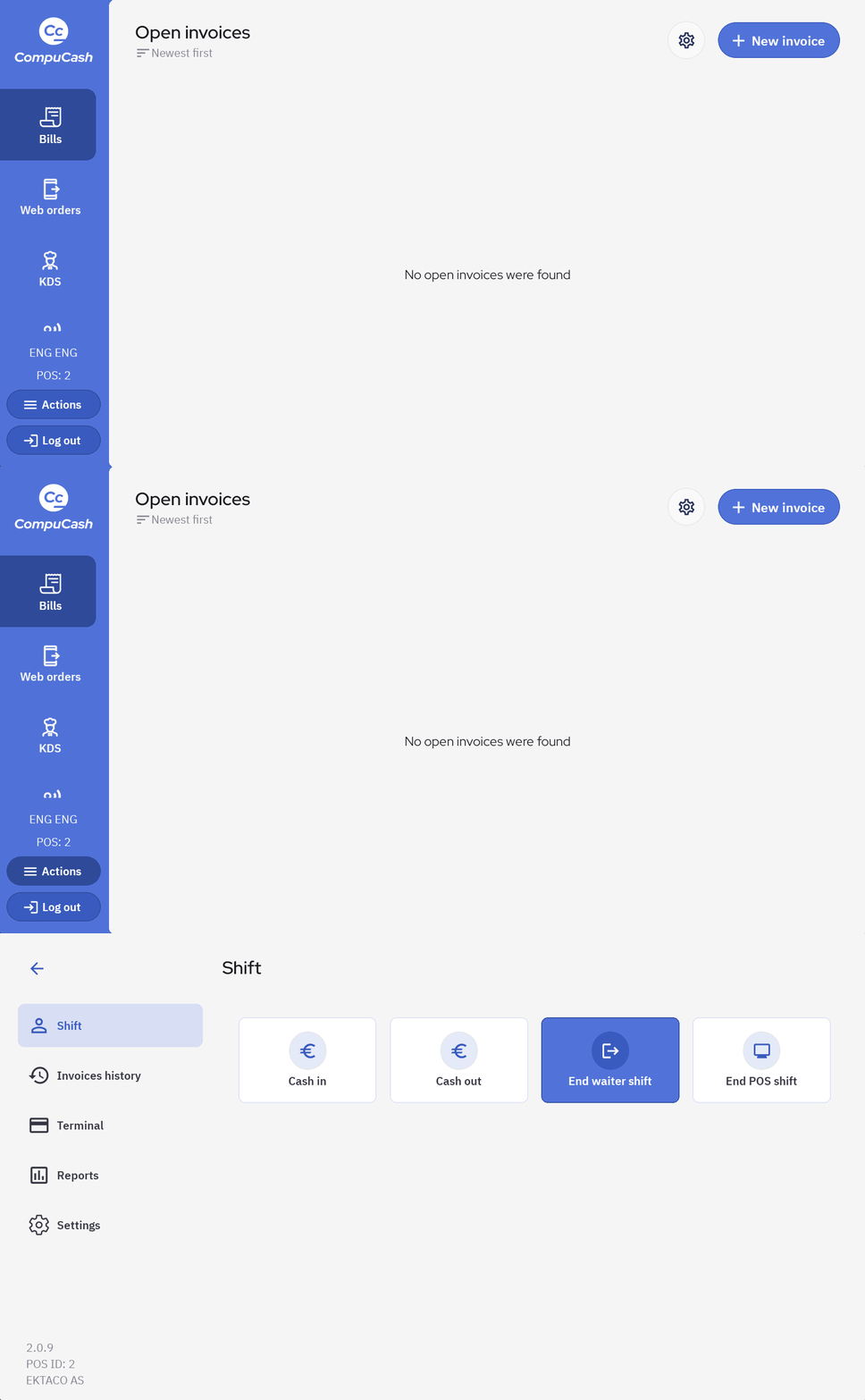
Shift
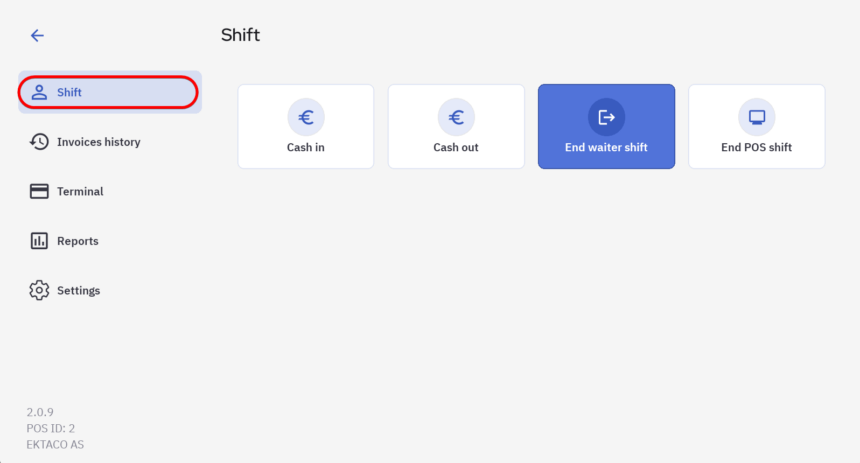
Cash in is used when cash is inserted into the cash drawer outside sales
Cash out is used when cash is taken out of the cash drawer, for example when ending a shift
End waiter shift is used to end the shift for the waiter
End POS shift is used to end the POS shift for the night
Invoices history
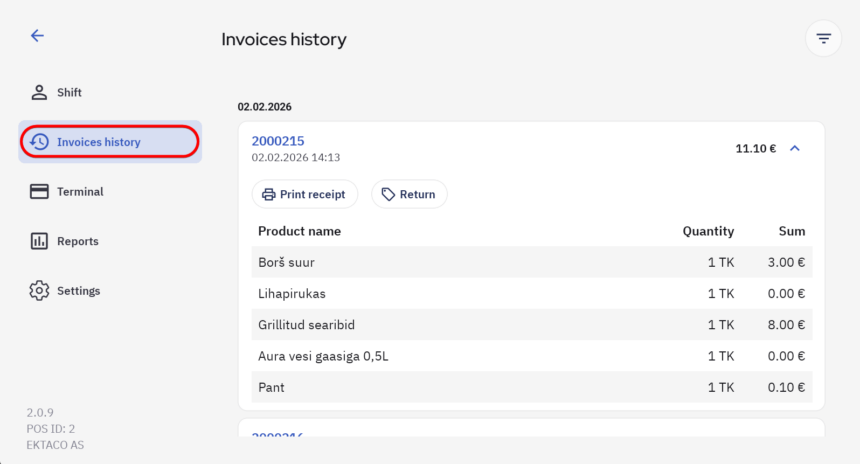
Invoices history shows a list of completed invoices, here you can Print receipt to get a copy of the sales receipt and create a Return for when the client returns a product.
NB! Some of the options may be restricted with user groups, please contact your manager if these options are not visible to to you.
Terminal
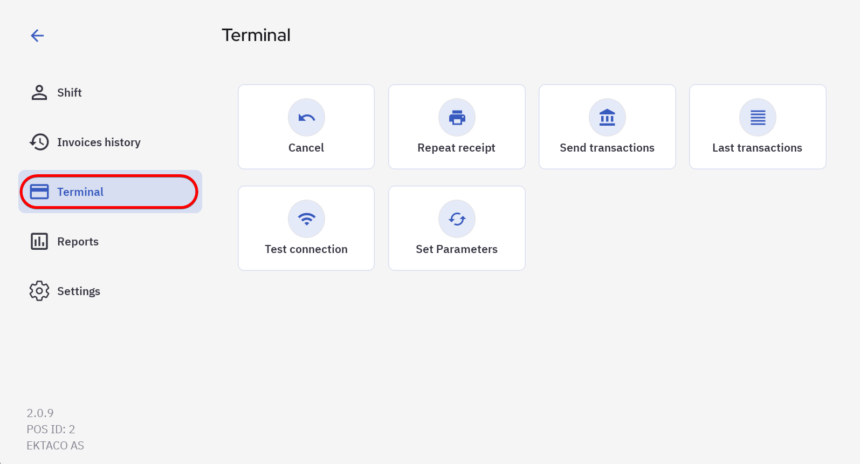
NB! Terminal options work provided the integration is activated.
Cancel button is used to cancel a card payment, if cancelling an invoice it’s recommended to perform a Return instead
Repeat receipt prints a copy of the merchant card payment receipt
Send transactions sends a transaction report to the bank
Last transactions displays a list of previous transactions
Test connection performs a connection test, this can be used to verify if the terminal integration with Compucash is working
Reports
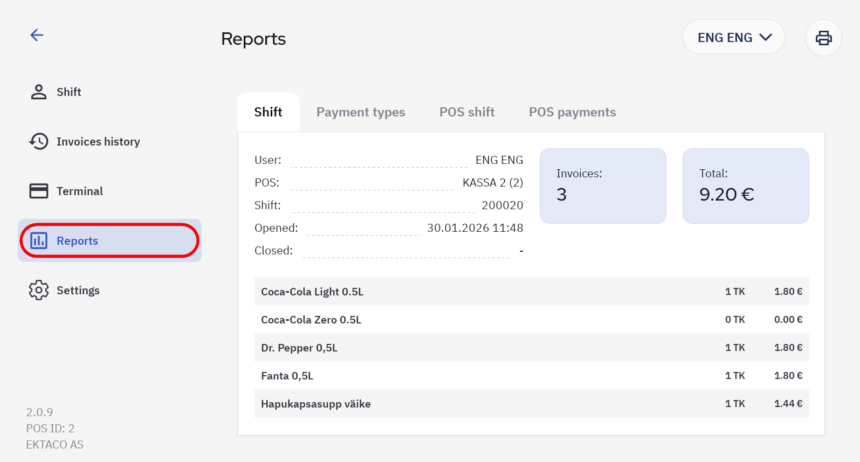
Reports show the details of both user and POS shifts, user can be selected from the top right.
Settings
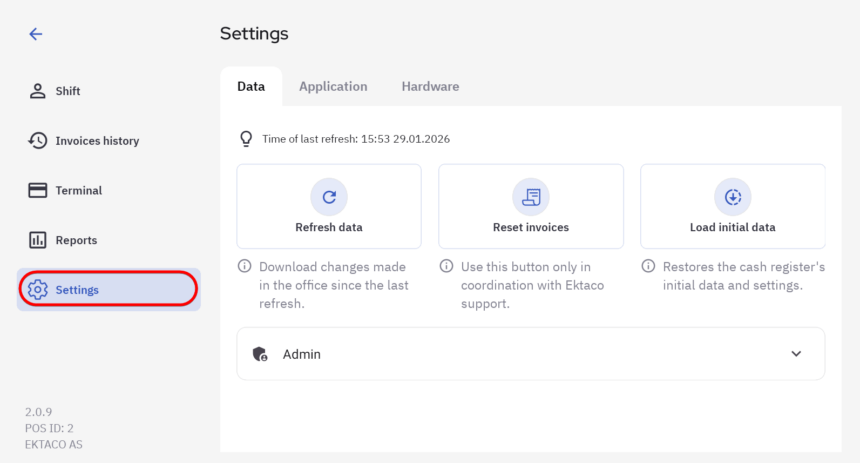
Data
Refresh data is used to update POS information, this has to be done every time there are changes made to the POS from the web office.
Reset invoices resets all pending invoices. NB! This should only be used in coordination with Ektaco Support.
Load initial data is a stronger version of refresh data, only to be used when there’s an issue with the POS.
Application
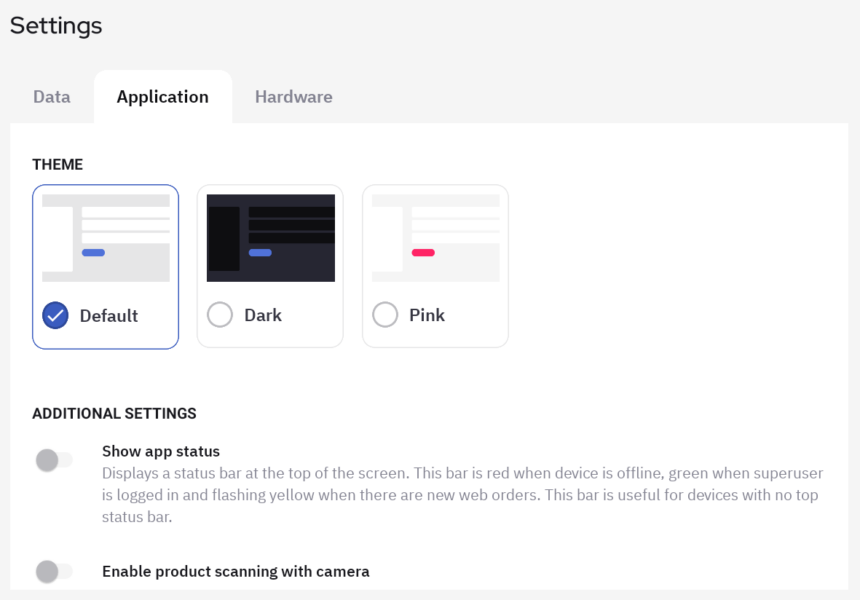
Application settings allows to set the colour scheme of the app, also some additional configurations.
Examples
Example 1: Refreshing POS data