Application setup and logging in
Launch the POS application. On Android and iOS operating systems, the app is named CompuCash POS.
If the Activate your POS screen opens, the POS is not configured. Login details are sent via a separate email; if you do not have this email, please contact Ektaco Support.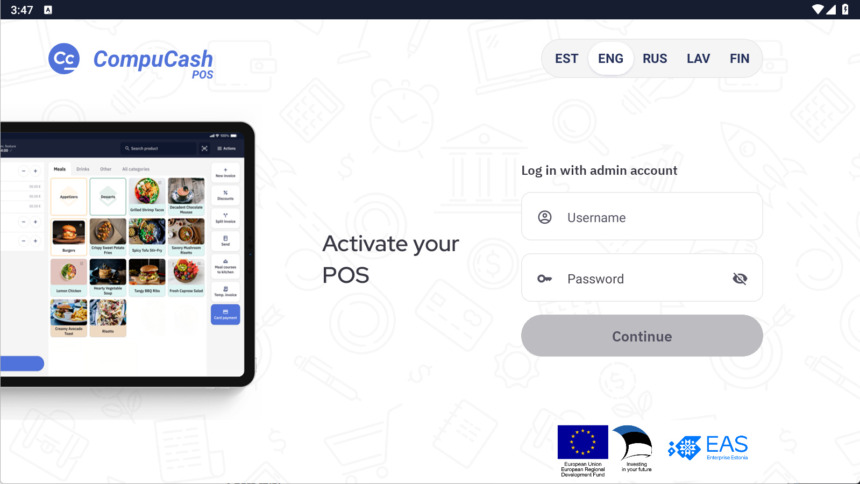
After activation, the login window opens, where you must select a user and enter a password. The user and password must be created in the web office, the guide for this can be found HERE.
The program is used according to the rights granted to each user. It is important to know your rights and the possibilities for using the program (corresponding menus and buttons are invisible if rights are restricted). Program usage rights are determined in the web office by the person in charge (usually the manager/administrator).